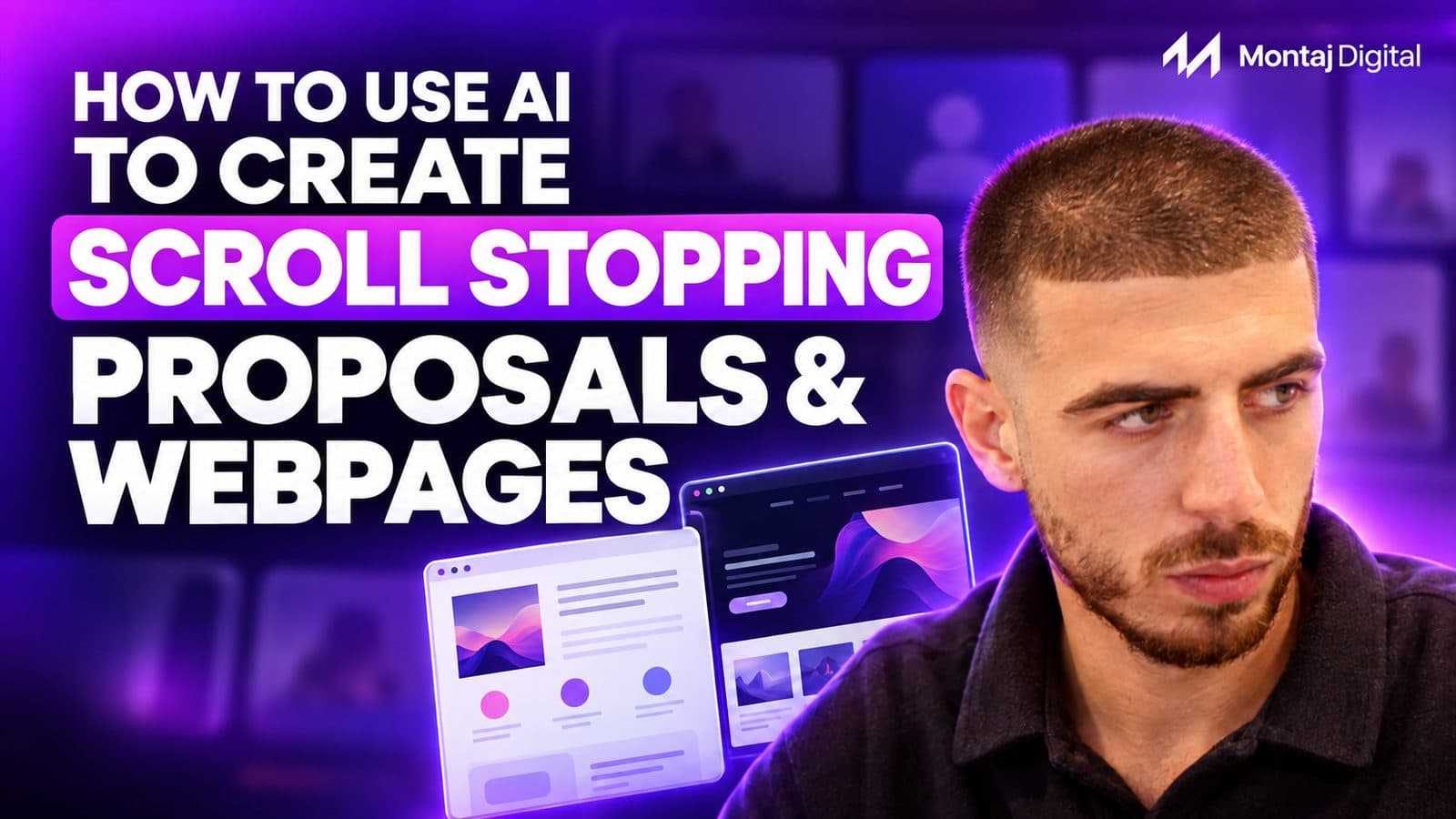
Scroll-Stopping Proposals: How to Turn a Sales Call Into an Interactive Web Page With AI

Kaiyan Ali
Founder at Montaj Digital

Kaiyan Ali
Founder at Montaj Digital
I'm Kaiyan, founder of Montaj Digital. I help professional service firms put AI and automation to work, so their people spend less time on admin and more on the work only humans can do. I've trained 250+ professionals at our AI Week, and I'm on a mission to help a million service firms do the same.
Follow me for more contentVery few people read a proposal like a book. They open the attachment, scroll to the price, forward it to whoever else needs to sign off and tell themselves they'll come back to it later. Most of the work that went into the document never gets seen.
I ran a workshop on this with the team at Search For Hire, a recruitment firm we work with. Their founder was already producing a custom proposal after every discovery call, taking the pain points from the call and having AI turn them into a 10 to 12-page branded deck. It worked, but it was static. What he wanted was the interactive version: sections that move, case studies that slide in, numbers the buyer can play with.
So we built one live, from a blank folder to a published page, in about an hour. The full recording is embedded below. This article covers the method.
Why PDF proposals get skimmed
A PDF asks the buyer to do all the work. There's no order to it beyond page numbers, nothing to interact with, and nothing to pull them towards the next step. The buyer reads it as a price list with some preamble.
A web proposal changes how the buyer moves through it. You decide the order they see things in: the problem in their own words, how you'd solve it, proof that you've done it before, the options and the button to book the next call. Section links let them jump to what they care about. The page works on their phone. And it looks like something built for them, rather than a template with their logo swapped in.
There's a practical reason AI suits this too. AI still struggles to build good slide decks. You can give it every one of your best decks as examples and it'll still get the layout wrong, because slides are rigid and geometric. A web page is code, CSS handles the movement and colour, and code is what these models write best. In my experience the web version comes out cleaner, quicker and with far less wrestling.
What a web proposal can do that a PDF can't
Once the proposal is a web page, you can put things in it that a document can't hold:
- Live calculators. Our own sales deck has a growth calculator I use on calls. I ask for their budget and their average cost per click, and when they don't know, I can say what the industry average looks like and what we've achieved, and we model it together. For Search For Hire we built a vacancy cost calculator into the proposal, showing what an empty seat costs per week. You stop presenting and start consulting.
- Video. Embed a walkthrough, a training clip or client testimonials straight into the page.
- One-click actions. A "book your strategy call" button that goes straight to your calendar, a mailto link that opens their email, a copy-to-clipboard button. Less friction means faster decisions.
- Downloads. Give them a PDF version and any resources alongside the page. Most buying decisions involve several people, so let them take it into the next meeting.
- Dark and light mode. A small touch, but the page opens in whatever mode their device is set to.
- Tracking. Every button can carry UTM parameters, so you can see where people came from and what they clicked.
The follow-up gets easier too. When the buyer says "I need to speak to my business partner", you send the link. They read it, they forward it, and the booking button is already there. You need fewer follow-up emails.
When a PDF still wins
Web proposals aren't right for everything, and it's worth knowing where they fall down:
- Offline. A web page needs a connection. A PDF opens anywhere.
- Enterprise security. I once sent a web proposal to a 500-person enterprise client and their IT security blocked the URL. I had to rebuild it as a PDF. If you're selling into large organisations, ask first or send both.
- Cold outreach. People are wary of clicking links from strangers. A web page works best once there's already a conversation.
We still send PDF capability decks. The answer is often both: a live page for the experience and a downloadable PDF for the inbox and the board pack.
The workflow: brief, brand, build, review, publish
The tool you build with matters less than the setup around it. I used Codex in the workshop, but Claude works the same way, and so would most other capable models. What makes the output good is the context you give it.
- Brief. What is this page for, who is reading it and what should they do at the end? For a proposal, the best brief is the call itself. The transcript has their goals, their numbers, their objections and their words.
- Brand. Logos, colours, fonts, tone of voice, case studies and pricing. Store these once, in a project folder, a shared drive or a repository, so the AI reads them every time and doesn't guess.
- Build. Plan the structure, then let the AI build the page.
- Review. Check it on desktop and mobile, tighten the copy, swap in stronger sections.
- Publish. Deploy it and put it on a branded link.
For the workshop I set up one local folder for Search For Hire containing a brand brief, a bank of prompts, their assets, a starting page and a finished example. Everything the AI needed was in one place. If you're doing this regularly, that folder is the asset worth investing in.
Give the AI a sense of what good looks like
AI is trained on everything, which means left alone it produces the average of everything. You need to tell it what good looks like to you. I use three sites for this:
- Dribbble. A showcase for designers' work. Search "sales deck" or "pricing page" and you'll find layouts worth borrowing ideas from. This is where I start when briefing anyone, human or AI.
- Design system files. There are now sites that publish the full design systems of well-designed brands (Vercel, Apple and others) as markdown files AI can read: spacing, type scale, font weights, border radius, shadows, layout rules. Download one and ask the AI to build your own version for your brand. It's the quickest way to get a clean, considered feel.
- 21st.dev. A library of individual page components: pricing tables, timelines, process paths. Find one you like, copy its prompt, and tell the AI "I want our packages section to look like this." It adapts the component to your brand rather than copying it.
Two skills also do a lot of heavy lifting. A front-end design skill improves layouts across the board. A humaniser skill checks the copy against the common signs of AI-written text and rewrites anything that reads like a robot wrote it. Both are worth having switched on for every build.
Building it: plan first, then let it run
You don't need clever prompts. A year ago prompt engineering mattered a lot. Today's models are capable enough that what matters is context. My prompt in the workshop was plain: here's the brand, here's the website for anything missing, we want a page explaining to prospective buyers why they should use us, our approach, our experience and our two packages. Show the packages like this attached component, let the buyer click to open each one, and use these case studies.
Then I add three lines to almost every build prompt:
- "Ask me for any relevant information that's missing." It'll tell you what it needs instead of inventing it.
- "Screenshot and check your work before sending me the final version." More on this below.
- "Don't publish anything until I approve it." Build a preview first, go live later.
Next, use plan mode. Plan mode makes the AI work out how it would do the job and show you a plan before it writes any code. It asks clarifying questions (which guarantee should the page show, how should the packages open, how should buyers move through the page) and gives you a written plan to approve or edit. It costs very little to produce, and it's the cheapest point to change your mind. Want experience before approach? Want a calculator before the packages? Say so now, not after the build. This is where I spend most of my time. Once the plan is right, I approve it and walk away. When I built our own sales deck, I approved the plan, went to the gym and came back to a finished page.
Make the AI check its own work
The single habit that saves me the most time is telling the AI to review its output before it reaches me. Often the first version has a simple fault, like a misaligned section or a logo in the wrong place, that it would have caught if it had looked. Browser tools such as Puppeteer let the AI open the page, take screenshots on desktop and mobile, spot problems and fix them first. Build that instruction into your skill and every page arrives in better shape.
After that, the review is yours. Walk through the page as the buyer would. Find the weakest section, go back to your inspiration sites for a better pattern, and ask for that one section to change. Each small round lifts the page a little. The first version we built live was a solid foundation. Another hour or two of these tweaks, plus some animation, and it would have been something they could use for years.
Publishing on your own domain
I deploy with Vercel. The code sits in GitHub and Vercel builds and hosts it. The AI can handle the deployment for you, and you'll get a working link on a Vercel address straight away.
A branded link is worth the extra two minutes. Something like clientname.yourcompany.com looks like it was made for them, because it was. To set one up:
- In Vercel, open the project, go to Domains and add the subdomain you want.
- Vercel gives you a DNS record, usually a CNAME.
- Add that record wherever your domain is managed (GoDaddy, IONOS or similar).
That's the one step AI can't do for you, because it needs you logged in to your domain provider. You can create as many subdomains as you like on a domain you already own. Each proposal with different content needs its own, and you only buy a new domain if you want a completely different name. We run several ourselves, for our app, our deck, our quiz and our ad landing pages, which also means we can launch a landing page without waiting on a web developer.
From call transcript to follow-up in minutes
This is where it pays off. My call recorder is connected to our second brain, so when a call ends I can ask for the key points to be pulled out and built into a follow-up page using our template.
For one prospect, a mechanical services firm, I had a tailored page live less than five minutes after the call. It used their numbers (this year's revenue, next year's target, the two people running their back office, the hire they were planning), the tools they'd named on the call and our offer, with sliders they could adjust themselves. I added a demo of what their system would look like and recorded a short Loom talking over it. Everything was on one link. We won the work.
Once the template exists, every proposal is a new conversation with the AI: here's the template, here's the transcript, build one for this client. Our step-by-step guide to building an AI second brain covers the context side of this.
Set it up once for the whole team
If more than one person will produce these, consistency matters. Three things help:
- Shared skills. A skill is a set of instructions the AI follows every time: your brand rules, your proposal structure, your review checks. Put them in a shared GitHub repository and anyone can tell their AI to install them. New starters get the same setup on day one, and you're not locked into one AI platform.
- An agreed template. Build the master proposal together, agree it, and treat inspiration sites as a source of individual elements rather than whole new designs.
- A shared prompt library. When you find a component you like, save the link and the prompt somewhere shared so the next person doesn't have to find it again.
Where to start
Take the next proposal you were going to send as a PDF. Put the call transcript, your brand assets and two or three case studies in one folder. Find one layout you like on Dribbble. Run the build in plan mode, ask it to check its own work, and publish it on a subdomain. Your first one won't be perfect. Your fifth will be quicker than the PDF was.
The same method works well beyond proposals: workshop handouts people follow along with on their own laptops, onboarding packs, year-in-review reports for clients, podcast guest briefs, candidate scorecards. Anything you'd normally send as a document can become something people want to open. For help choosing tools, see the AI toolkit: what to use and when.
If you'd like help working out where AI fits in your sales process and beyond, book an AI readiness audit. We'll map what you do today and show you where the time is going.
Got any questions? We have the answers.
If your question isn't answered here, book a free AI discovery call and we'll talk it through.
An interactive web proposal is a sales proposal built as a web page instead of a PDF or slide deck. The buyer opens a link and scrolls through the problem, your approach, your proof and your pricing, with interactive elements such as calculators, expandable packages, embedded video and a button to book the next call. It can also be downloaded as a PDF for stakeholders who want a file.


Learn with our resources
Stay informed with Our Latest InSights
Build your AI second brain: stop starting from scratch with AI
Most businesses still use AI like a scratchpad: open a new chat, explain the business again, get an answer, then start from scratch next time. This replay shows how to build a portable context layer from source files, reviewed knowledge, an index and a log, so AI can work from what your business already knows.
Read more
AI implementation for service businesses: start with process, not tools
Most AI projects don't fail because the model is weak. They fail because the business hasn't mapped the process, centralised the context or decided where human judgement belongs. Here's the practical implementation model I use with service businesses.
Read more
Why Your Paid Ads Aren't Working: 5 Reasons They Fail for Financial Services Firms
If you've run paid ads for your financial services firm and they didn't land, the ads probably weren't the problem. Most agencies treat a firm closing £20k to £100k engagements like an e-commerce brand selling a £50 product, so they target the wrong way, send traffic to the wrong place, and report on numbers that don't matter. Here are the five reasons paid ads fail for regulated, high-ticket firms, and the fix for each: your creative is now your targeting, cold traffic needs a lead capture not a homepage, follow-up has to happen in minutes, a safe offer is an invisible one, and vanity metrics hide where your system is actually breaking.
Read more
How to Map Your AI & Automation Workflows
You can't automate a bad workflow. AI is only as good as the process you point it at, so the work that pays off happens before you touch a single tool: mapping what actually happens, step by step. This piece walks through how we do it, systems thinking over task thinking, the five whys to find the real cause of a broken process, six simple blocks for drawing any workflow, and a way to decide which tasks AI should run, assist with, or stay out of.
Read more
Why AI Isn't Optional Anymore: How to Stand Out in a World of AI
AI is not coming; it is already here, and it is already replacing tasks inside your job rather than the job itself. The wrong question is “will AI take my job?”. The right one is “which parts of my work are easy to replace, and how do I make myself valuable around them?”. Here is what still makes you stand out, and five frameworks to future-proof your work.
Read more
What to Automate First: The 5-Question Test We Run Before Touching a Workflow
Most businesses automate whatever felt annoying that week, and end up speeding up a mess. Before we touch a single workflow for a client, we score it on five weighted questions: time saved, revenue impact, error and quality risk, how repetitive it is, and how feasible it is to build. That gives a score out of 85 and a simple traffic light: 70 or more, automate now; 40 to 69, plan it; under 40, leave it. One reporting task scored 77 and handed my agency back eight billable hours a month.
Read more