A better way to brief your AI
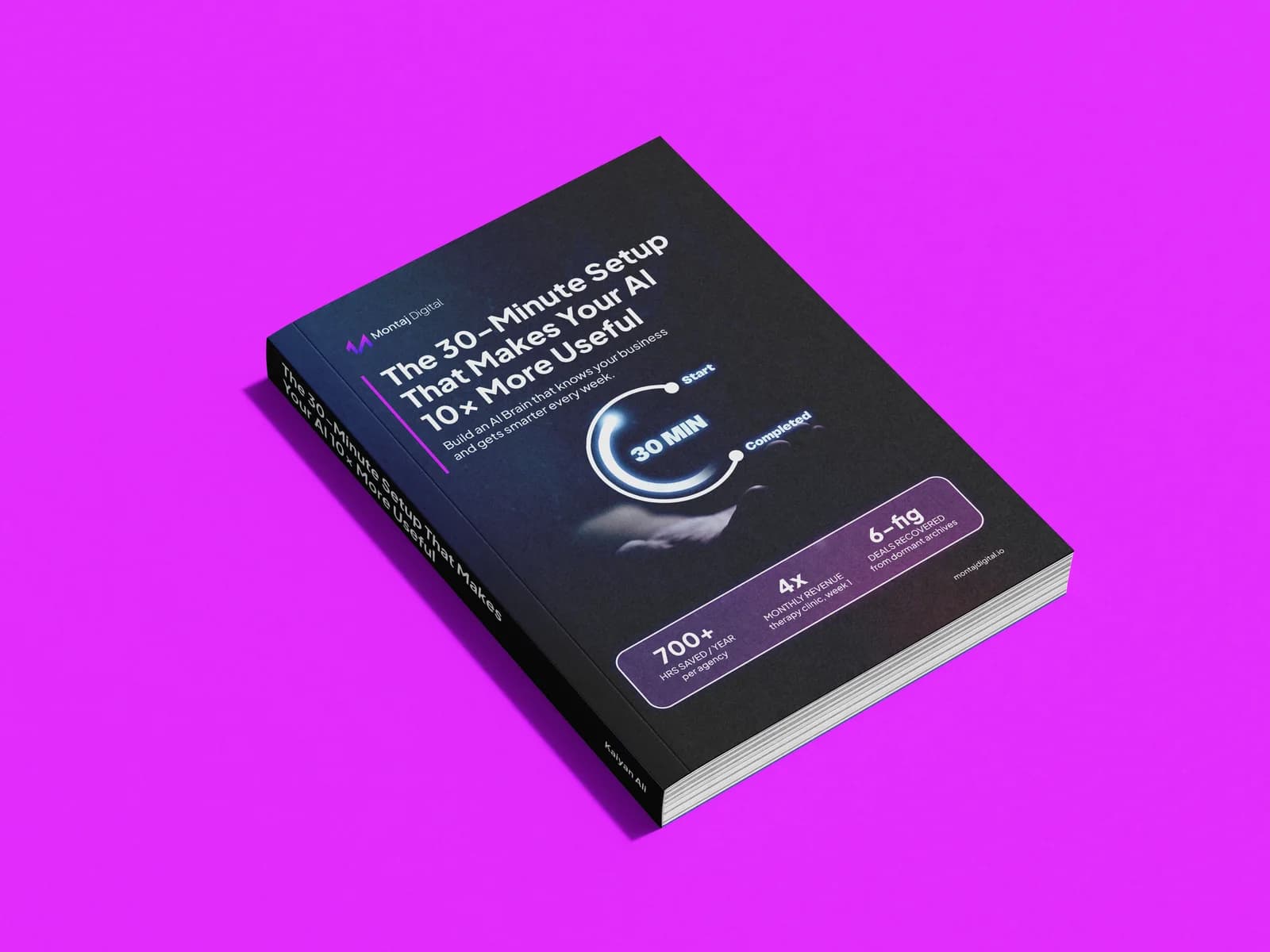
The 30-Minute Setup
That Makes Your AI 10x More Useful
Still explaining your business every time you open Claude? Give it the brief once. This guide walks you through setting up Claude Projects with your business context, working instructions and reference documents, so you can get on with the work.
Free guide · Claude Projects · Ready-to-use instructions
Get the free guide
Pop your details below and we’ll email you the link.
Inside the guide
Brief it once. Use it properly.
Build the context once, then give Claude a useful starting point every time you open a project.
Know what goes where
Separate your project instructions from the reference files Claude needs to use.
Build a business master project
Give Claude the core context it needs to understand your company and how you work.
Use proven instructions
Start with practical examples for sales, marketing and operations.
Create client projects
Set up a dedicated workspace for each active client without repeating the same briefing.
Add the right documents
Choose the files that will help Claude produce more useful, specific work.
 Reviewed on




Ready to stop briefing your AI from scratch?
Get the guide and give Claude the context it needs in about 30 minutes.